Pets+
Summon pets that fight by your side, gain XP, and unlock scaling perks—or keep them purely cosmetic. Find pet eggs in mob drops. Fully configurable with sleek UI to manage, rename, and trade pets.
About Pets+
# Pets+
Support Server – https://discord.gg/DRxwt8Qg2W
An advanced pet system for Hytale servers with XP, leveling, combat, and configurable perks. Pets follow their owner, attack mobs when the owner punches them, and grant stat bonuses that scale with level. Players can obtain pets through admin commands or by finding pet eggs in mob drops. -------------------------------------------------------------------------------
[1.2.1] - 2026-01-24
Added - XP System - Admin Config/UI includes stats for `XP Per Hit`, `Health Per Level`, and more - InvulnerabilityToggle - New config option to make specific pet types immune to damage - Death Cooldown - New config/UI to set a respawn cooldown after a pet dies (in seconds) - Health Info - Health is now displayed in the Pet Info UI (`/pets` > details) for a cleaner l
-------------------------------------------------------------------------------
⚠️ Notice
Server-only plugin. Singleplayer is not supported and no support will be provided for it.
Assets.zip issue: Pets+ requires extracted assets. Running the game from assets.zip will corrupt the file and prevent the mod from loading.
Fix: Extract assets.zip → make sure the game uses the Assets folder → reinstall Pets+. (Optional: delete assets.zip after extraction.)
Egg Generation: By default, Pets+ generates egg item files in `Assets/Server/Item/Items/`. If you don't want these files created automatically, set `"generateEggItems": false` in config.json.
Description
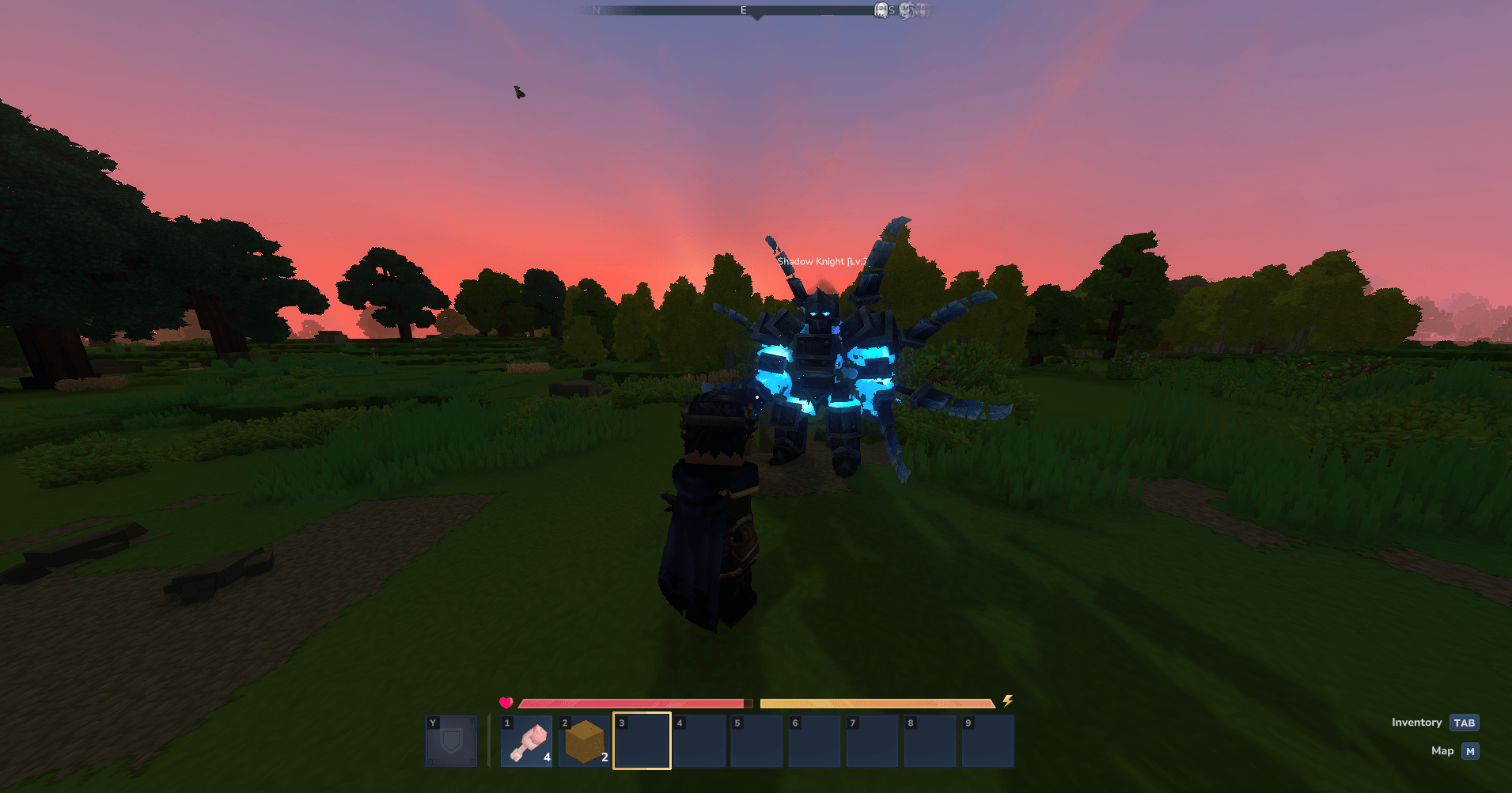
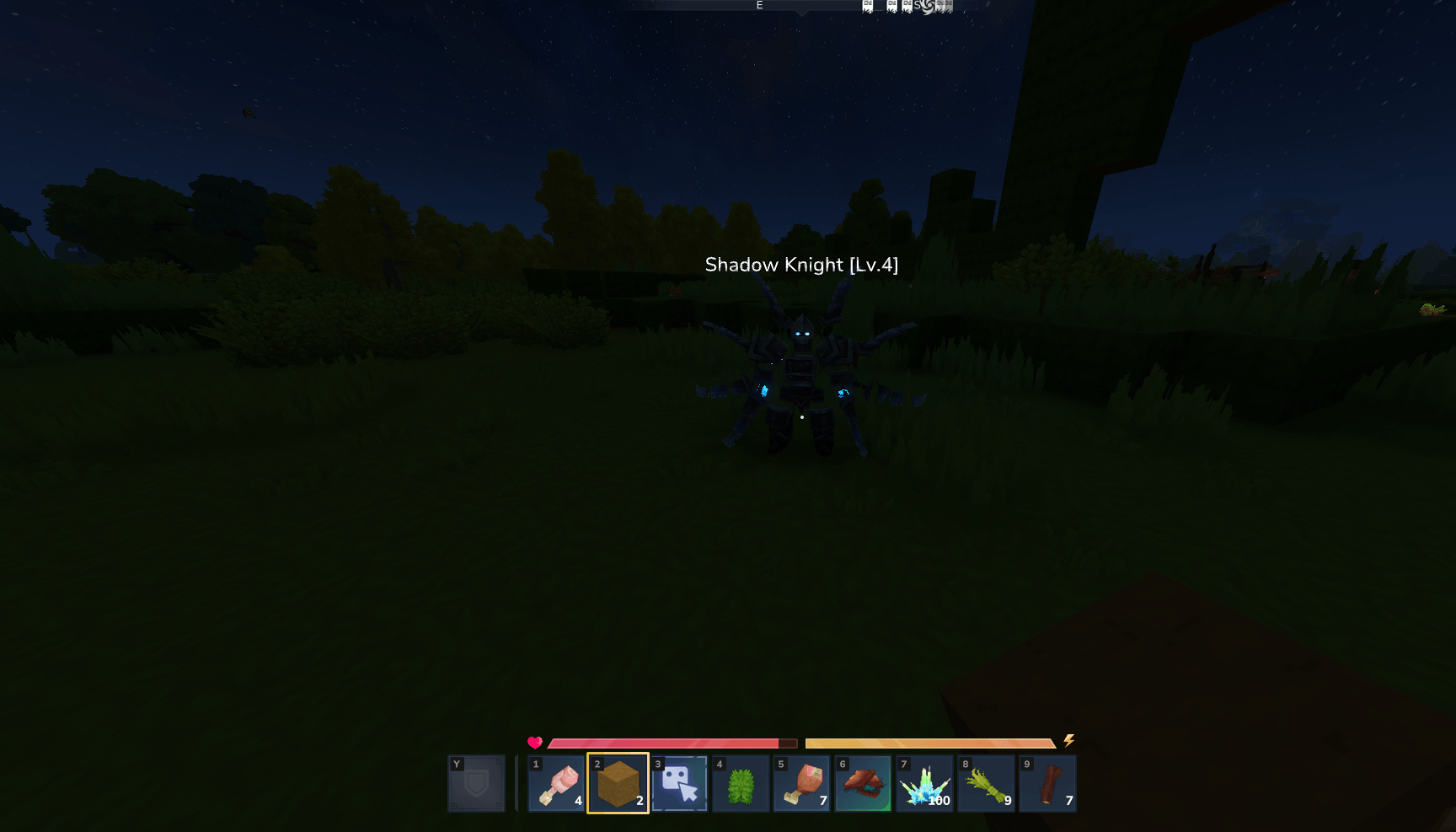
Pets+ gives players collectible pets that follow them, fight alongside them, and provide passive bonuses. Any entity in Hytale can be added as a pet, from standard animals like wolves and bears to large or custom entities such as dragons, all defined through configuration. When you punch a mob, your active pet targets and attacks it, gaining XP and eventually leveling up. Each pet type can have one or more perks (Health, Stamina, Mana, Defense, Damage, HealthRegen, StaminaRegen) that scale with level, all configurable per pet in config.json.
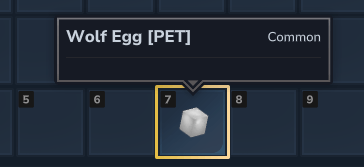
Players can obtain pets in two ways: admins can grant them directly via commands/UI, or players can find pet eggs as drops from specific mobs (configured via loot tables). When a player obtains an egg, they simply hold it and use `/pets redeem` to add a level 1 pet to their collection.
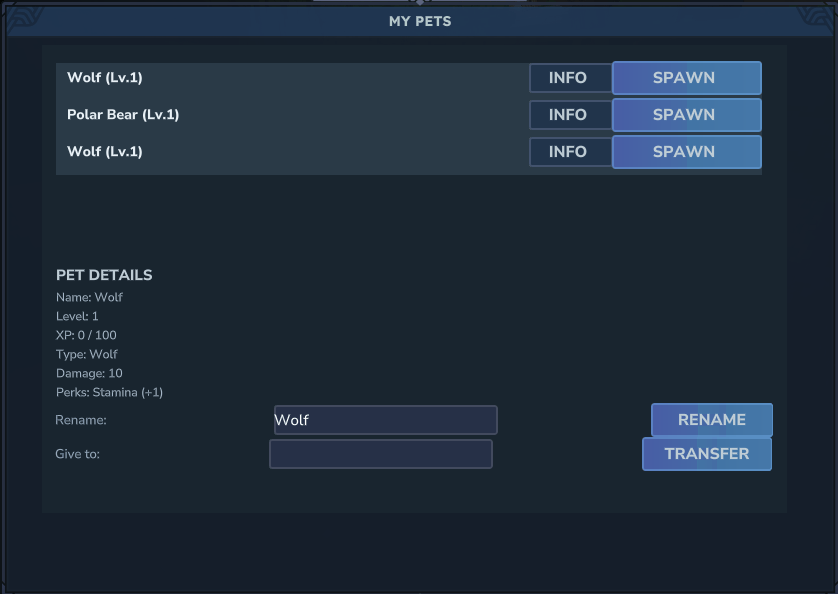
Admins define pet types (any entity: Wolf, Bear_Polar, dragons, etc.), assign perks and rarities, control perk scaling, and configure which mobs drop pet eggs. Players manage pets via a custom UI: spawn/despawn, rename, view stats and perks, and transfer pets to other players (with an optional level reduction on transfer).
---
Features
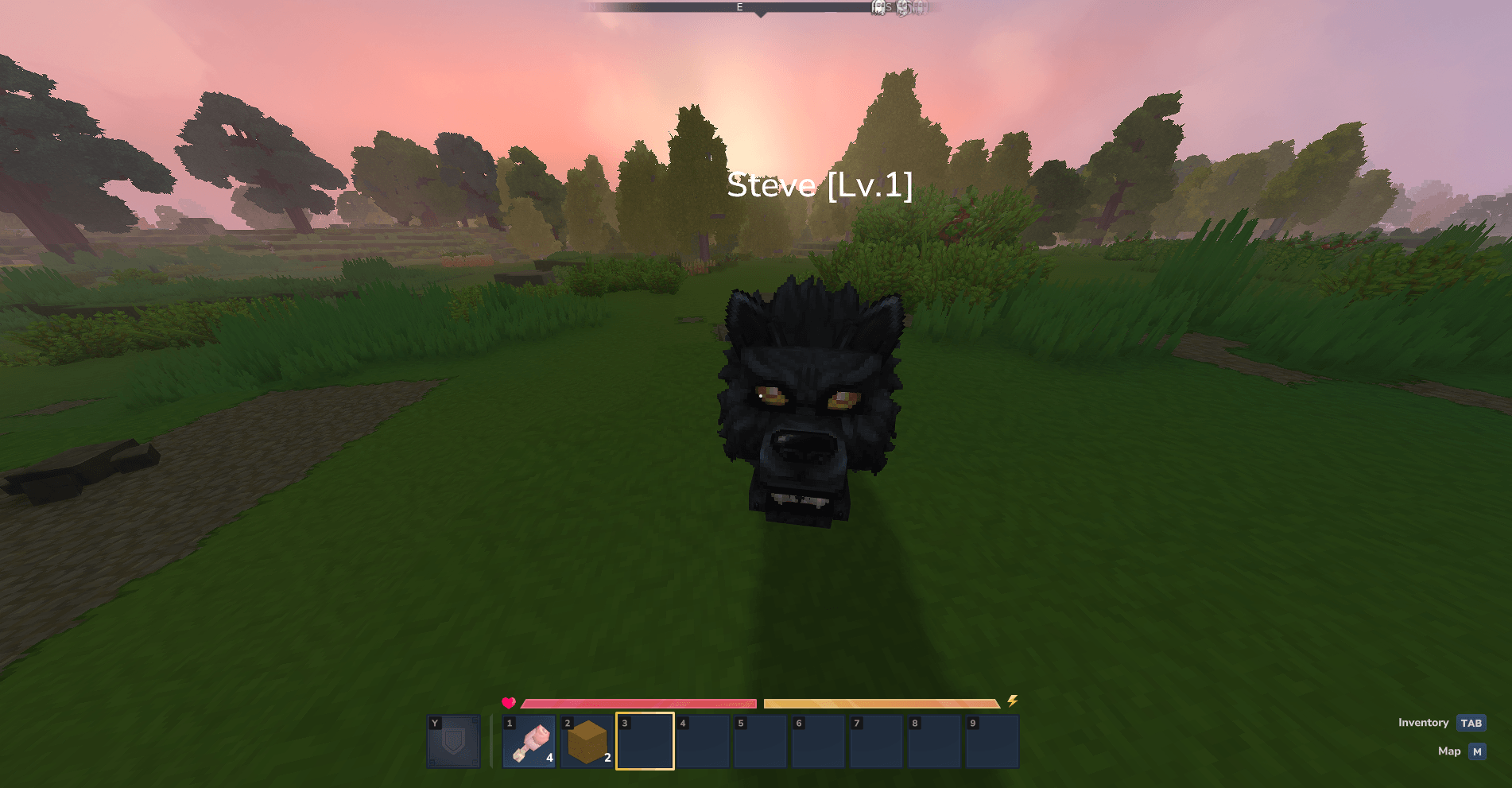
Core - Pet collection – Add any entity as a configurable pet type (Wolf, Bear, dragon, etc.) - Pet eggs – Automatically generated egg items for all pet types that admins can add to mob loot tables - Pet redemption – Players redeem eggs using `/pets redeem` while holding the egg to add a level 1 pet - Follow & combat – Pets follow the owner; when the owner punches a mob, the pet targets and attacks it - XP & leveling – Pets gain XP from dealing damage and level up; nameplate shows name and level above the pet - Configurable perks – Health, Stamina, Mana, Defense, Damage, HealthRegen, StaminaRegen; admins set one or more perks per pet type - Per-level scaling – config.json defines how much each perk increases per level (e.g. Health +2/level, Defense +0.5%/level) - Rarity & max level – Rarity (Common, Uncommon, Rare, Epic, Legendary) with configurable max levels - Per-pet PVP toggle – Admins can configure whether each pet type can attack mobs or is purely cosmetic - Per-pet nametag options – Configure whether each pet type shows level in nametag
Player UI - Pet list – View pets, spawn/despawn, rename, see stats and scaled perk values - Pet transfer – Give a pet to another player (optional level reduction in config) - Pet details – Level, XP, perks and their numeric bonuses (e.g. Defense (25%), HealthRegen (1.2/s))
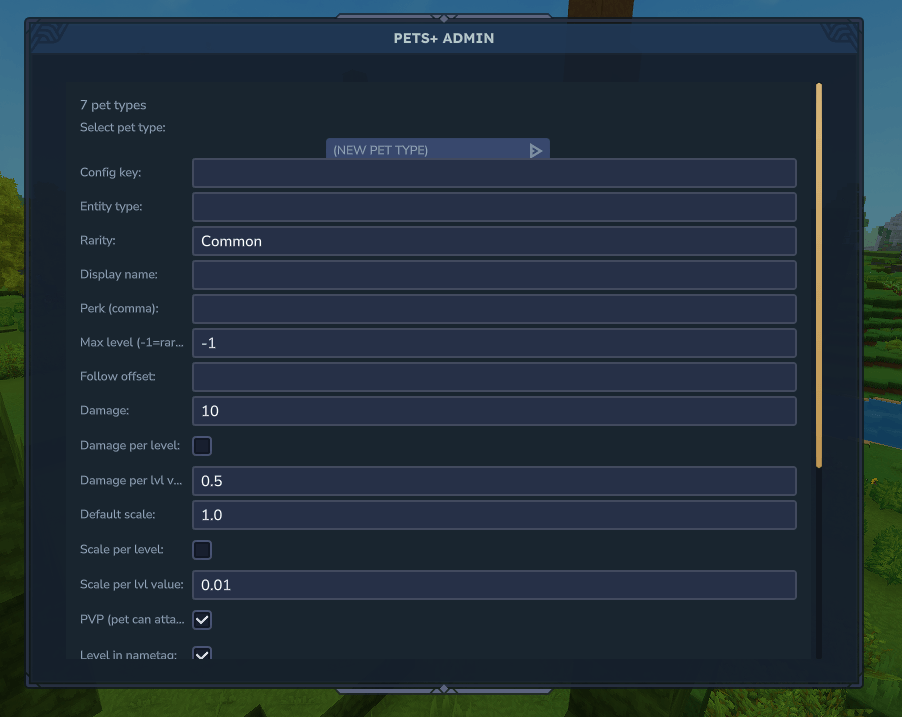
Admin - Admin UI – Enter player name, select pet by config key (e.g. Bear_Polar1), add pets with one click - Admin command – /pets add <player> <pet_type> (requires pets.admin) - /pets create – Admin-only command and UI to create and edit pet types (config key, entity type, display name, rarity, max level, perks, follow offset, scale, damage, PVP toggle, nametag options, and more) - Loot table integration – Add pet eggs to any mob's loot table for players to find - Config – petEntities, perkScaling, rarityMaxLevels, transferLevelMultiplier, followOffset for large pets
Scale & Attack (per pet type) - Scale – defaultScale, scalePerLevel (checkbox), and scalePerLevelValue; pet size uses effective scale from level - Attack – damage, damagePerLevel (checkbox), and damagePerLevelValue; combat uses effective damage; shown in Pet Details (INFO) - Attack animations – Configurable animation duration per pet type (default: 0.8s) - Damage cooldown – Fixed at 1.5 seconds for balanced combat
Technical - Large pet offset – followOffset keeps big pets from clipping into the player - Combat in Java – Pet damage, animations, and sounds handled in code to avoid role/Attack JSON issues - Transaction-based inventory – Proper item handling using Hytale's inventory API
---
Commands
| Command | Description | Permission | |---------|-------------|------------| | /pets | Open the pet management UI | — | | /pets redeem | Redeem a pet egg (hold egg in hand) | — | | /pets add <player> <pet_type> | Give a pet to a player (config key, e.g. Bear_Polar1) | pets.admin | | /pets transfer <playerName> <petId> | Transfer one of your pets to another player | owner only | | /pets admin | Open the admin pet management UI | pets.admin | | /pets create | Open the create/edit pet types UI (admin only) | pets.admin |
---
Configuration (config.json)
- petEntities – Each entry: entityType, rarity, displayName, perk (string or array), maxLevel, optional followOffset, defaultScale, scalePerLevel, scalePerLevelValue, damage, damagePerLevel, damagePerLevelValue, canPVP, showLevelInNametag, attackAnimationDuration - perkScaling – perLevel for Health, HealthRegen, Stamina, StaminaRegen, Mana, Damage, Defense - rarityMaxLevels – Max level per rarity (Common, Uncommon, Rare, Epic, Legendary) - transferLevelMultiplier – Level multiplier on transfer (e.g. 0.5 = level 100 → 50)
---
Adding Pet Eggs to Mob Drops
Admins can configure mobs to drop pet eggs by editing entity loot tables. Each pet type automatically generates an egg item with ID: `Egg_PetsPlus_<PetType>`
**Step 1: Locate the Entity's Loot Table** - Navigate to your server's assets directory - Find the entity's loot table file in `Assets\Server\Drops\NPCs\`
**Step 2: Add the Egg to Loot Entries**
Example: Adding a Wolf egg to Wolf mob drops:
```json { "Container": { "Type": "Multiple", "Containers": [ { "Type": "Choice", "Weight": 100, "Containers": [ { "Type": "Single", "Item": { "ItemId": "Food_Wildmeat_Raw", "QuantityMin": 1, "QuantityMax": 1 } } ] }, { "Type": "Choice", "Weight": 50, "Containers": [ { "Type": "Single", "Item": { "ItemId": "Egg_PetsPlus_Wolf", "QuantityMin": 1, "QuantityMax": 1 } } ] } ] } } ```
**Step 3: Configure Drop Rates**
Drop chance is calculated as: `(Item Weight) / (Total Weight of All Items) × 100%`
Recommended weights: - **Common Pets**: Weight 10-20 (10-20% chance) - **Uncommon Pets**: Weight 5-10 (5-10% chance) - **Rare Pets**: Weight 1-5 (1-5% chance) - **Very Rare Pets**: Weight 1 (1% chance or less)
**Step 4: Restart Server** - Loot table changes require a server restart - Test by killing the mob and checking for egg drops
**Step 5: Players Redeem Eggs** - Players hold the egg in their hand - Run `/pets redeem` to add the pet to their collection - The egg is consumed and a level 1 pet is added
**Complete Example with Multiple Items:**
```json { "Container": { "Type": "Multiple", "Containers": [ { "Type": "Choice", "Weight": 100, "Containers": [ { "Type": "Single", "Item": { "ItemId": "Food_Wildmeat_Raw", "QuantityMin": 1, "QuantityMax": 1 } } ] }, { "Type": "Choice", "Weight": 100, "Containers": [ { "Type": "Single", "Item": { "ItemId": "Ingredient_Hide_Medium", "QuantityMin": 1, "QuantityMax": 2 } } ] }, { "Type": "Choice", "Weight": 50, "Containers": [ { "Type": "Single", "Item": { "ItemId": "Egg_PetsPlus_Wolf", "QuantityMin": 1, "QuantityMax": 1 } } ] } ] } } ```
In this example: - Gold: 50/80 = 62.5% drop chance - Wolf Egg: 10/80 = 12.5% drop chance - Health Potion: 20/80 = 25% drop chance
**Available Egg Items:** All egg items are automatically generated based on your `config.json` pet types: - Format: `Egg_PetsPlus_<PetType>` - Example: `Egg_PetsPlus_Wolf`, `Egg_PetsPlus_Bear_Polar`, `Egg_PetsPlus_Dragon` - Location: `Server/Item/Items/Egg_PetsPlus_<PetType>.json`
Distribution Notice: This mod may not be redistributed or bundled with third-party setups without clear and visible credit to Hyronix Studios and the mod name. Otherwise, redistribution is not permitted.
Categories
Screenshots
Frequently Asked Questions
What is Pets+?
Summon pets that fight by your side, gain XP, and unlock scaling perks—or keep them purely cosmetic. Find pet eggs in mob drops. Fully configurable with sleek UI to manage, rename, and trade pets.
How do I download Pets+?
You can download Pets+ for free from CurseForge. Click the "Download on CurseForge" button on this page to go directly to the download page.
Who created Pets+?
Pets+ was created by Hyronix. The mod has been downloaded 7.1K times.
Is Pets+ compatible with Hytale servers?
Pets+ is designed for Hytale and can be used on both single-player and multiplayer servers. Check the mod page on CurseForge for specific compatibility information.
How do I install Pets+?
To install Pets+: 1) Download the mod from CurseForge, 2) Place the file in your Hytale mods folder, 3) Restart the game. The mod should load automatically.
Related Gameplay Mods
View all mods
Wan's Wonder Weapons
WanMine
A collection of unique weapons for Hytale, new "relics" blending elemental power, dark magic, and a touch of absurdity!

Perfect Parries
narwhals
Adds a souls-like/RPG combat mechanic where if you block at the instant where you are supposed to take damage, you don't lose stamina, deflect some damage, and stun the attacker. This mod includes a stamina system similar to that of souls/RPG games.

Spellbook
DarkhaxDev
Powering your favorite mods with clean, reusable helpers and utilities.

RPG Leveling And Stats/Skills
Zuxaw_dev
An RPG leveling plugin for Hytale that adds experience points, leveling, stat allocation, and character progression with a GUI, HUD, competitive leaderboard system, and full multi-language translation support.

Lucky Mining
Buuz135
Get more ores from mining, the more you mine in a row, the more ores you get.

MMO Skill Tree
ziggfreed
(Multiple Languages) MMO Skill Tree adds an RPG-style progression system where every action you take helps you grow stronger.