RobbynUtils
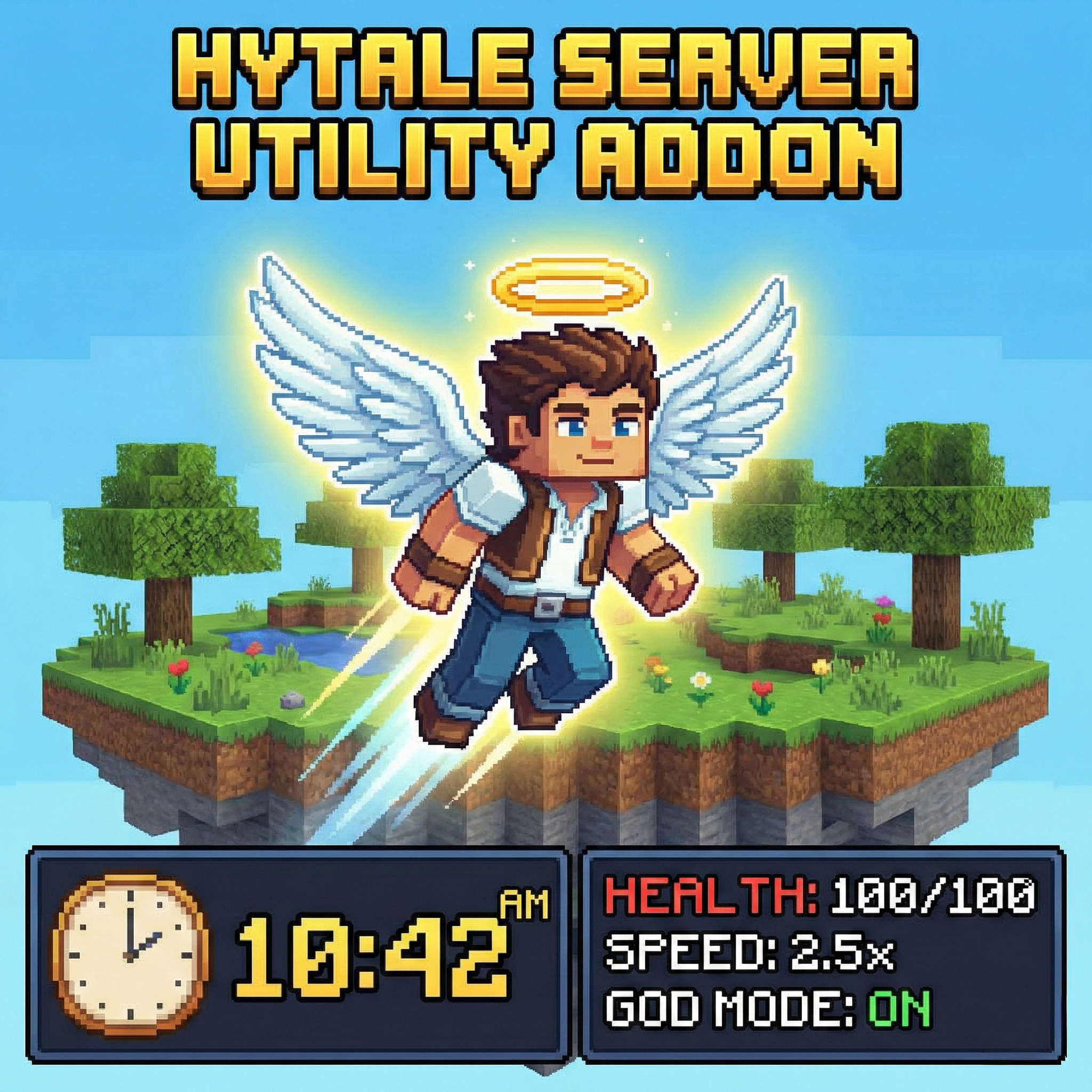
Essential Hytale utility plugin - Fly mode, Speed boost, God mode invincibility, real-time clock HUD, health & stamina display, enemy health bars, and item pickup notifications. All-in-one admin toolkit.
About RobbynUtils
This mod works standalone with no dependencies.
However, for full compatibility with other HUD mods, MultipleHUD is required.
⚠ Without MultipleHUD, the mod may cause errors and may fail to load when used alongside other HUD mods.
RobbynUtils - Essential Hytale Utility Plugin
The ultimate utility toolkit for Hytale servers. Enhance your gameplay with flight, speed boosts, invincibility, and a fully customizable HUD system.
═══════════════════════════════════════ ✦ FEATURES ═══════════════════════════════════════
▸ FLY MODE Toggle creative-style flight. Soar through the skies freely. Command: /robbyn --module=fly
▸ SPEED BOOST 2x movement speed with unlimited stamina. Never run out of energy. Command: /robbyn --module=speed
▸ GOD MODE / INVINCIBILITY Take no damage. Become invulnerable to all attacks and hazards. Command: /robbyn --module=god
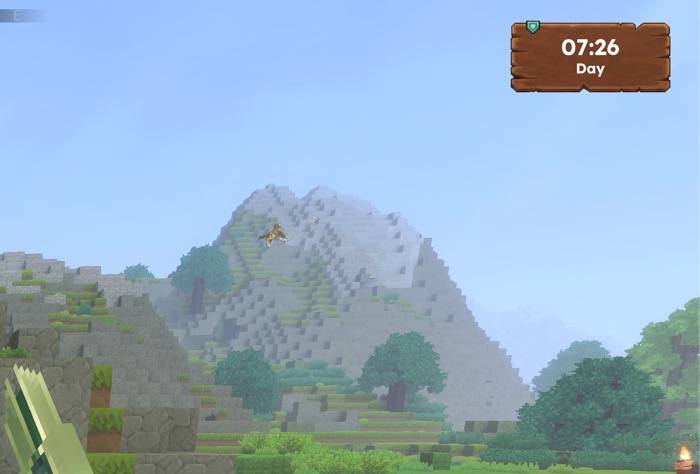
▸ CLOCK DISPLAY Real-time game clock showing current time with Day/Dusk/Night indicator. Command: /robbyn --module=clock
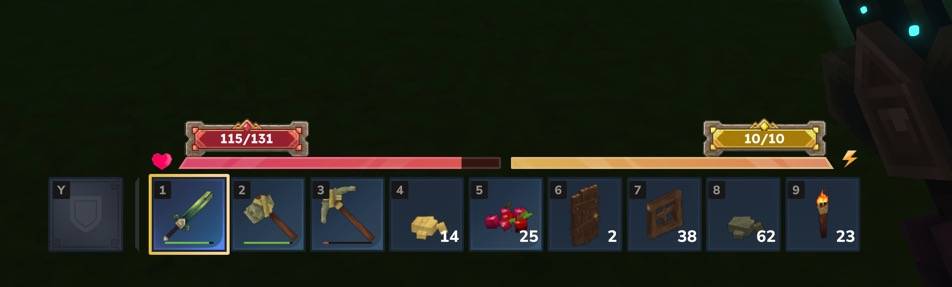
▸ HEALTH & STAMINA OVERLAY Live HP and stamina numbers displayed on screen. Always know your stats. Command: /robbyn --module=stats
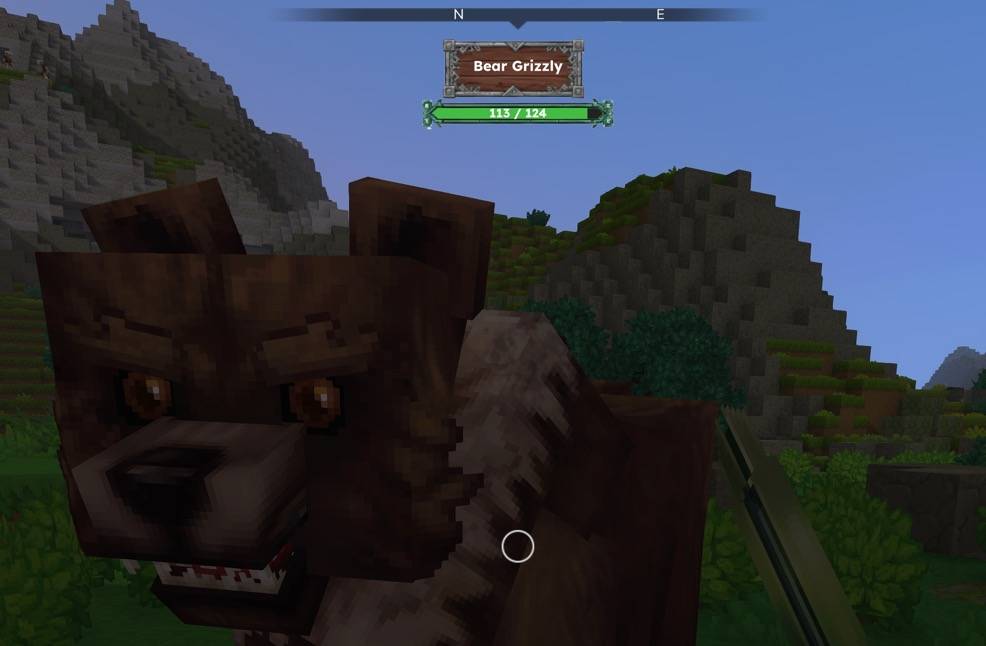
▸ ENEMY HEALTH BAR See target health when attacking mobs and creatures. Track damage dealt. Auto-hides after 5 seconds of no combat. Command: /robbyn --module=enemy
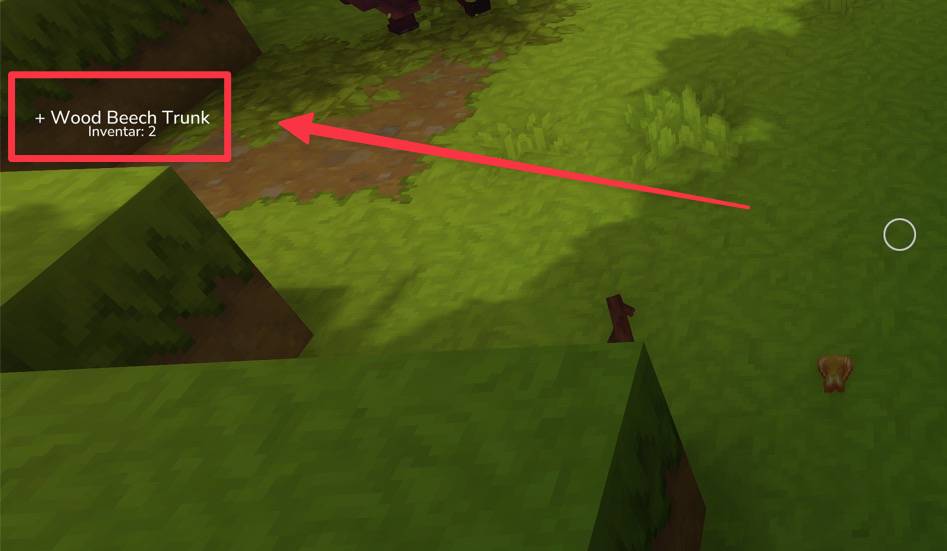
▸ ITEM PICKUP NOTIFICATIONS On-screen alerts when collecting items into your inventory. Command: /robbyn --module=pickup
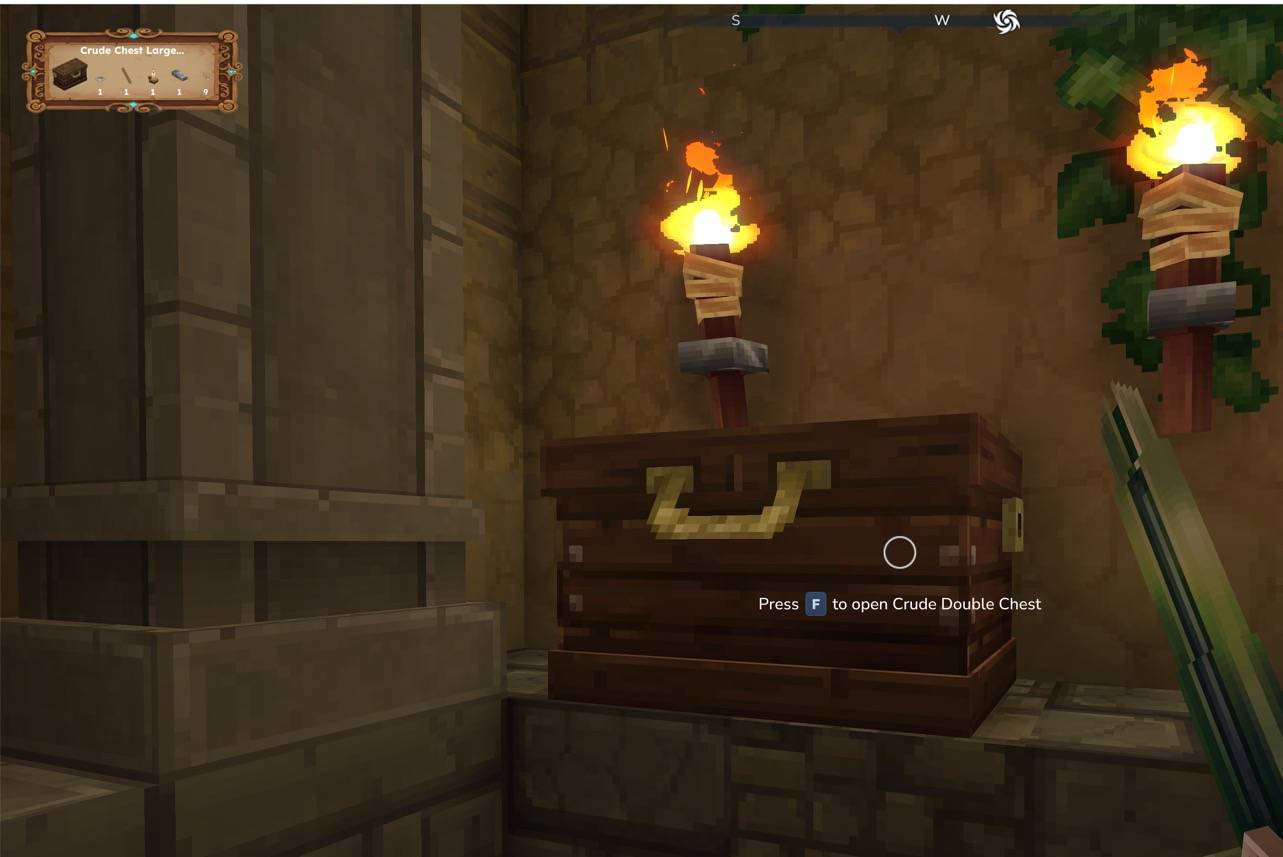
▸ BLOCK INFO DISPLAY See detailed information about the block you're looking at. Shows block name, icon, crafting bench tier, processing progress, and container contents (up to 5 items). Range: 30 blocks. Command: /robbyn --module=blockinfo
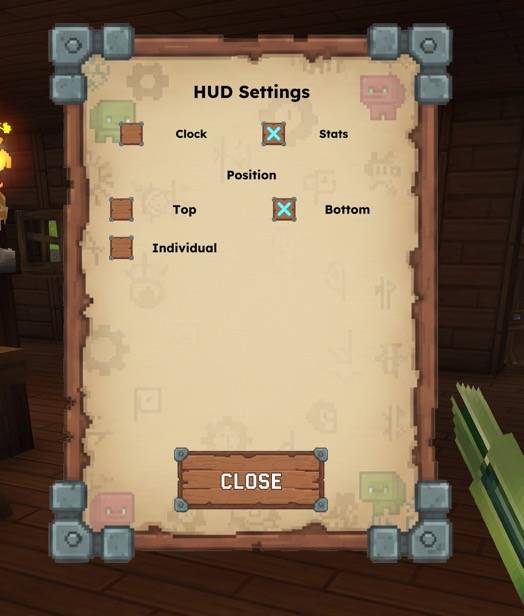
▸ HUD SETTINGS PAGE In-game GUI to customize HUD element positions. Choose from preset positions (Top Left, Top Right, Bottom Left, Bottom Right) or set individual pixel values with +/- controls. Separate tabs for Clock and Stats positioning. Settings apply instantly and persist across sessions. Command: /robbyn --module=settings
═══════════════════════════════════════ ✦ HUD SYSTEM ═══════════════════════════════════════
- Customizable UI elements - Toggle each display independently - Auto-activates on join - Stats auto-hide when paused (ESC menu) - Lightweight with 200ms refresh rate
═══════════════════════════════════════ ✦ PERSISTENT SETTINGS ═══════════════════════════════════════
All your preferences are automatically saved per player!
- Settings persist across sessions - Saved modules: fly, speed, god, clock, stats, enemy, pickup, blockinfo - Auto-restore on next login - No manual configuration needed
═══════════════════════════════════════ ✦ INSTALLATION ═══════════════════════════════════════
1. Download robbyn-plugin-1.0.x.jar
2. Copy to Mods folder: • macOS: ~/Library/Application Support/Hytale/UserData/Mods/ • Windows: %APPDATA%\Hytale\UserData\Mods\
3. Enable for your world: • New worlds: Enable in world settings
• Existing worlds: Add to config.json: Location: .../Saves/YourWorld/config.json
{ "Mods": ["RobbynPlugin"] }
4. Grant permissions (permissions.json): Location: .../Saves/YourWorld/permissions.json
{ "Groups": { "op": { "Permissions": ["*"] } }, "Players": { "YourUsername": { "Groups": ["op"] } } }
Categories
Screenshots
Need a Server?
Run RobbynUtils on a dedicated Hytale server with easy mod management.
Get Hytale HostingFrequently Asked Questions
What is RobbynUtils?
Essential Hytale utility plugin - Fly mode, Speed boost, God mode invincibility, real-time clock HUD, health & stamina display, enemy health bars, and item pickup notifications. All-in-one admin toolkit.
How do I download RobbynUtils?
You can download RobbynUtils for free from CurseForge. Click the "Download on CurseForge" button on this page to go directly to the download page.
Who created RobbynUtils?
RobbynUtils was created by Robbyn666. The mod has been downloaded 550 times.
Is RobbynUtils compatible with Hytale servers?
RobbynUtils is designed for Hytale and can be used on both single-player and multiplayer servers. Check the mod page on CurseForge for specific compatibility information.
How do I install RobbynUtils?
To install RobbynUtils: 1) Download the mod from CurseForge, 2) Place the file in your Hytale mods folder, 3) Restart the game. The mod should load automatically.
Related Gameplay Mods
View all mods
Wan's Wonder Weapons
WanMine
A collection of unique weapons for Hytale, new "relics" blending elemental power, dark magic, and a touch of absurdity!

Perfect Parries
narwhals
Adds a souls-like/RPG combat mechanic where if you block at the instant where you are supposed to take damage, you don't lose stamina, deflect some damage, and stun the attacker. This mod includes a stamina system similar to that of souls/RPG games.

Spellbook
DarkhaxDev
Powering your favorite mods with clean, reusable helpers and utilities.

RPG Leveling And Stats/Skills
Zuxaw_dev
An RPG leveling plugin for Hytale that adds experience points, leveling, stat allocation, and character progression with a GUI, HUD, competitive leaderboard system, and full multi-language translation support.

Lucky Mining
Buuz135
Get more ores from mining, the more you mine in a row, the more ores you get.

MMO Skill Tree
ziggfreed
(Multiple Languages) MMO Skill Tree adds an RPG-style progression system where every action you take helps you grow stronger.