RPG Stats
RPG elements that introduce character stats, ability's, and an experience system with leveling. Totally configurable via config.toml.
About RPG Stats
Overview
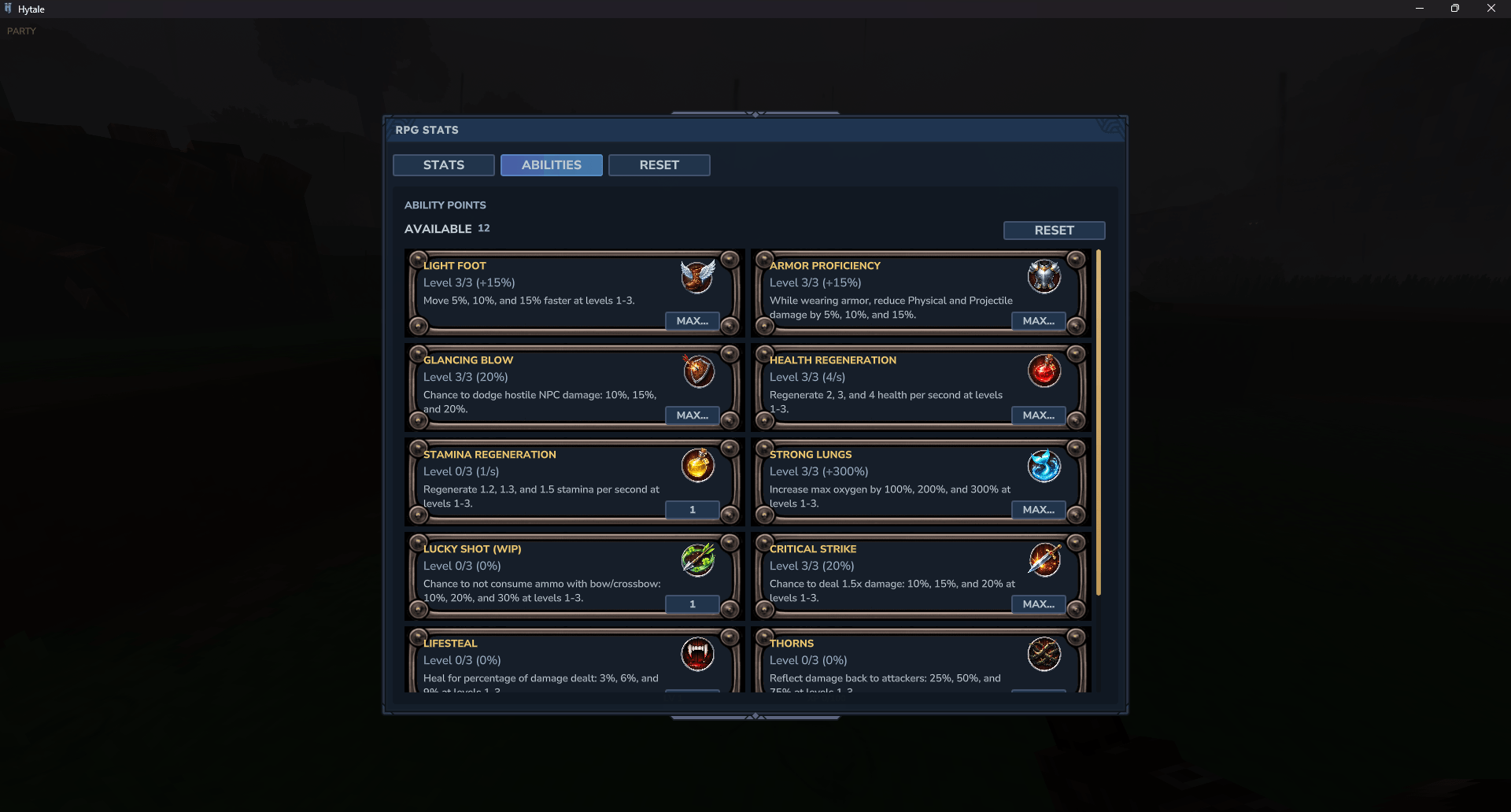
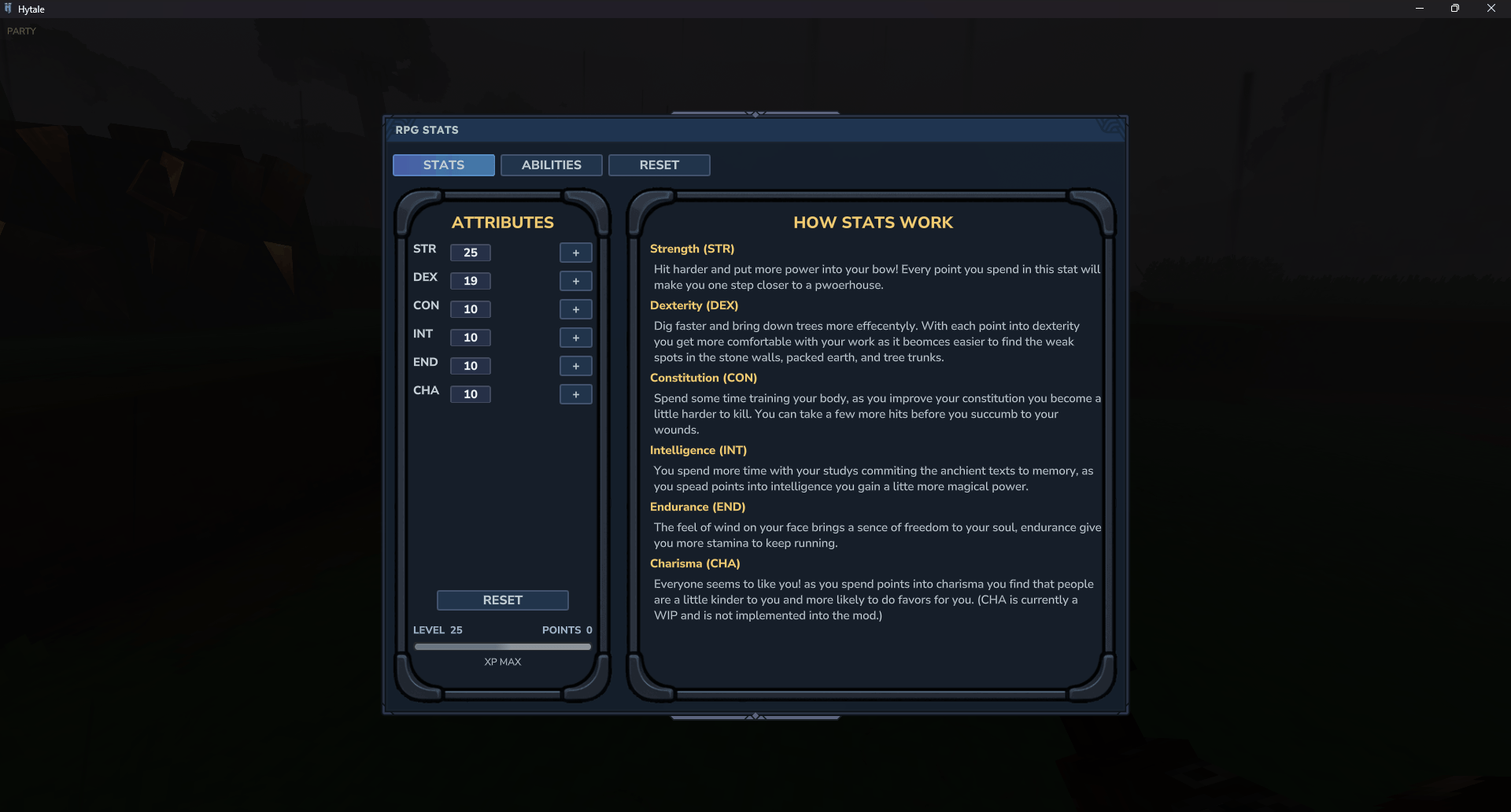
RPG stats is a mod designed to bring an RPG elements into Hytale for players, modders, server owners, and map designers. It introduces a working leveling system with experience. It introduces STR, DEX, CON, INT, END, and CHA with DND style modifiers. As players level up they earn a set amount of stat points to upgrade base stats. Each of the stats will effect different aspects of gameplay like damage, health, mana, stamina, and mining speed.
Artist wanted!!!
I am looking for a pixel artist that is interested in creating Ability icons for the mod and other art asses for the pack. If you are interested send me a message on here or over on my GitHub.
Requirements
MultipleHUD is required for the HUD elements to work properly. https://www.curseforge.com/hytale/mods/multiplehud
Configuration
Configuration is one of the main focus of this mod. Almost every aspect of the mod can be configured in the config.toml
What can be configured?
XP multiplier can be adjusted to make leveling harder or faster.
Level cap can be set (Default is 25).
Damage multiplier can be adjusted within reason.
Mining speed multiplier can be adjusted.
Health, Mana, and Stamina modifiers can be adjusted.
Stat cap's can be adjusted (Default is 25).
XP blacklist can be edited. (Decide what mobs do not give XP)
HUD XP bar can be toggled on and off.
Effectiveness of abilities when applicable.
Cost of ranks for ability's.
all configuration is done in config.toml and xp_blacklist.toml located in:
<root>/mods/com.bsnacks_RPG stats/config.toml Commands
Command Description Permission (In Devopment)
/stats Shows your current stats rpgstats.view
/stats add [attribute] [value] Spends available stat point on chosen attribute rpgstats.add
/stats set [attribute] [target] [value] Sets the the value of a stat rpgstats.set rpgstats.set.others
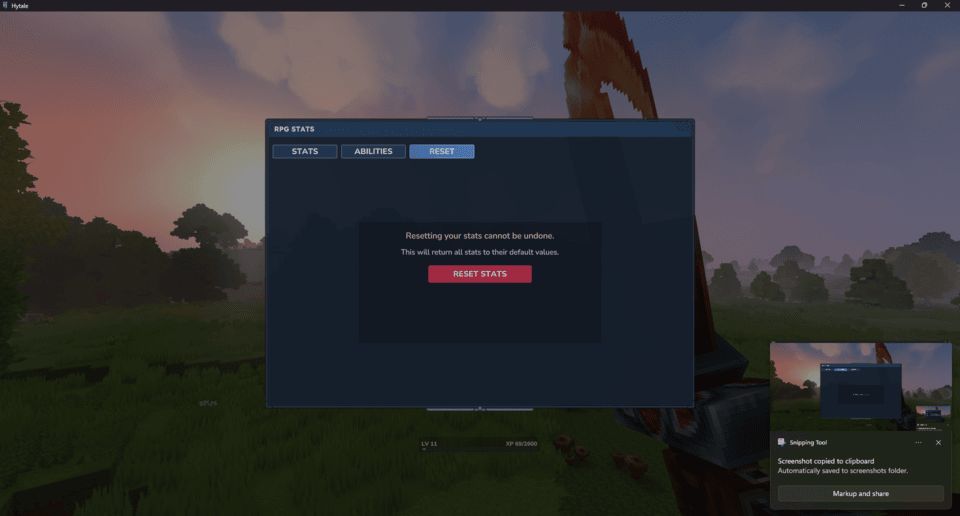
/stats reset [target] Resets stats, level, and xp of target rpgstats.reset``rpgstats.reset.others
/stats reload Reloads the contents of the config.toml rpgstats.set
Known Bug's
Level and stats are not persistent from session to session, this is top of the list to fix. fixed in 0.1.2
Config changes not applying to server. fixed in 0.1.2
Conflict with Party Info & Pings [SimpleClaims Compatibility] fixed in 0.3.0
CHA stat currently has not use in game.
Lucky shot is not working (Waiting for proper API accsess)
Hud displays wrong information on first join, updates after gaining xp.
Mod Conflicts
TextSigns by leniad (XP bar on hud will not update if installed)
Planned features!
Ability points to spend on ability's per level Added in 0.1.4
CHA will apply some kind of discount to NPC shops.
Ability's that will affect gameplay in non-destructive ways. Added in0.1.4
Classes (maybe if it fits).
Uses for the ability modifiers (DND style System).
GUI enhancements
A way to apply levels to NPC's
Weapon bonus, chance for weapons to spawn with a +1,+2, and +3 variation.
Negative stat effects from poison
Debuffs that effect stats
Buffs that effect stats
Github
Please visit the Github repo to report any issues or requests for features. https://github.com/BadgerSnacks/rpgstats
Categories
Screenshots


Need a Server?
Run RPG Stats on a dedicated Hytale server with easy mod management.
Get Hytale HostingFrequently Asked Questions
What is RPG Stats?
RPG elements that introduce character stats, ability's, and an experience system with leveling. Totally configurable via config.toml.
How do I download RPG Stats?
You can download RPG Stats for free from CurseForge. Click the "Download on CurseForge" button on this page to go directly to the download page.
Who created RPG Stats?
RPG Stats was created by BadgerSnacks. The mod has been downloaded 2.0K times.
Is RPG Stats compatible with Hytale servers?
RPG Stats is designed for Hytale and can be used on both single-player and multiplayer servers. Check the mod page on CurseForge for specific compatibility information.
How do I install RPG Stats?
To install RPG Stats: 1) Download the mod from CurseForge, 2) Place the file in your Hytale mods folder, 3) Restart the game. The mod should load automatically.
Related Gameplay Mods
View all mods
Wan's Wonder Weapons
WanMine
A collection of unique weapons for Hytale, new "relics" blending elemental power, dark magic, and a touch of absurdity!

Perfect Parries
narwhals
Adds a souls-like/RPG combat mechanic where if you block at the instant where you are supposed to take damage, you don't lose stamina, deflect some damage, and stun the attacker. This mod includes a stamina system similar to that of souls/RPG games.

Spellbook
DarkhaxDev
Powering your favorite mods with clean, reusable helpers and utilities.

RPG Leveling And Stats/Skills
Zuxaw_dev
An RPG leveling plugin for Hytale that adds experience points, leveling, stat allocation, and character progression with a GUI, HUD, competitive leaderboard system, and full multi-language translation support.

Lucky Mining
Buuz135
Get more ores from mining, the more you mine in a row, the more ores you get.

MMO Skill Tree
ziggfreed
(Multiple Languages) MMO Skill Tree adds an RPG-style progression system where every action you take helps you grow stronger.