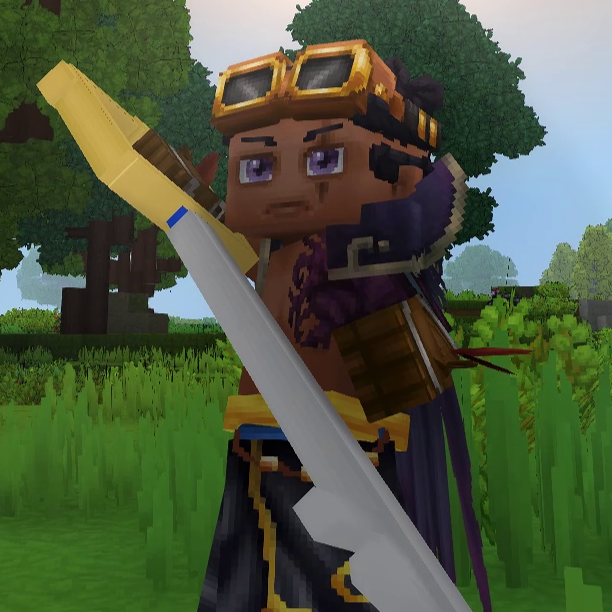
The Kingdoms Keys
The legendary keyblades from Kingdom Hearts
About The Kingdoms Keys
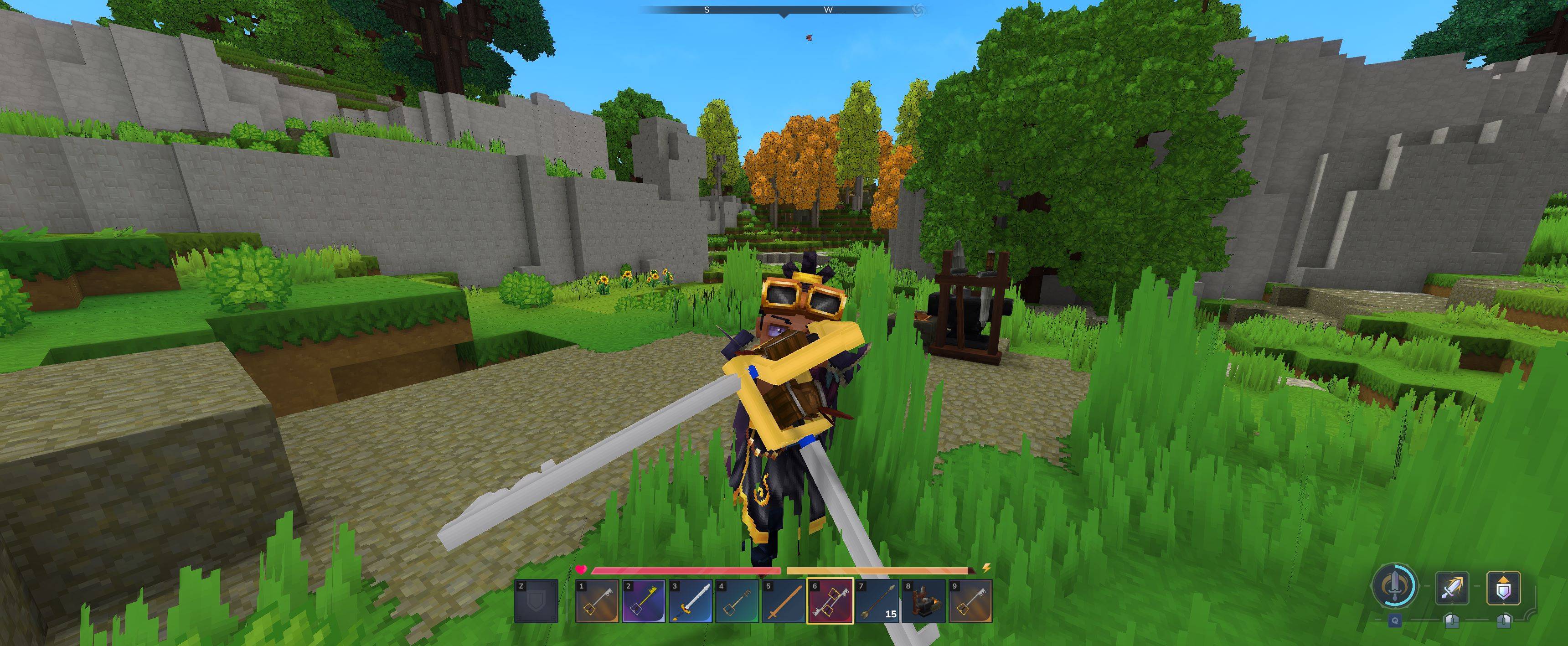
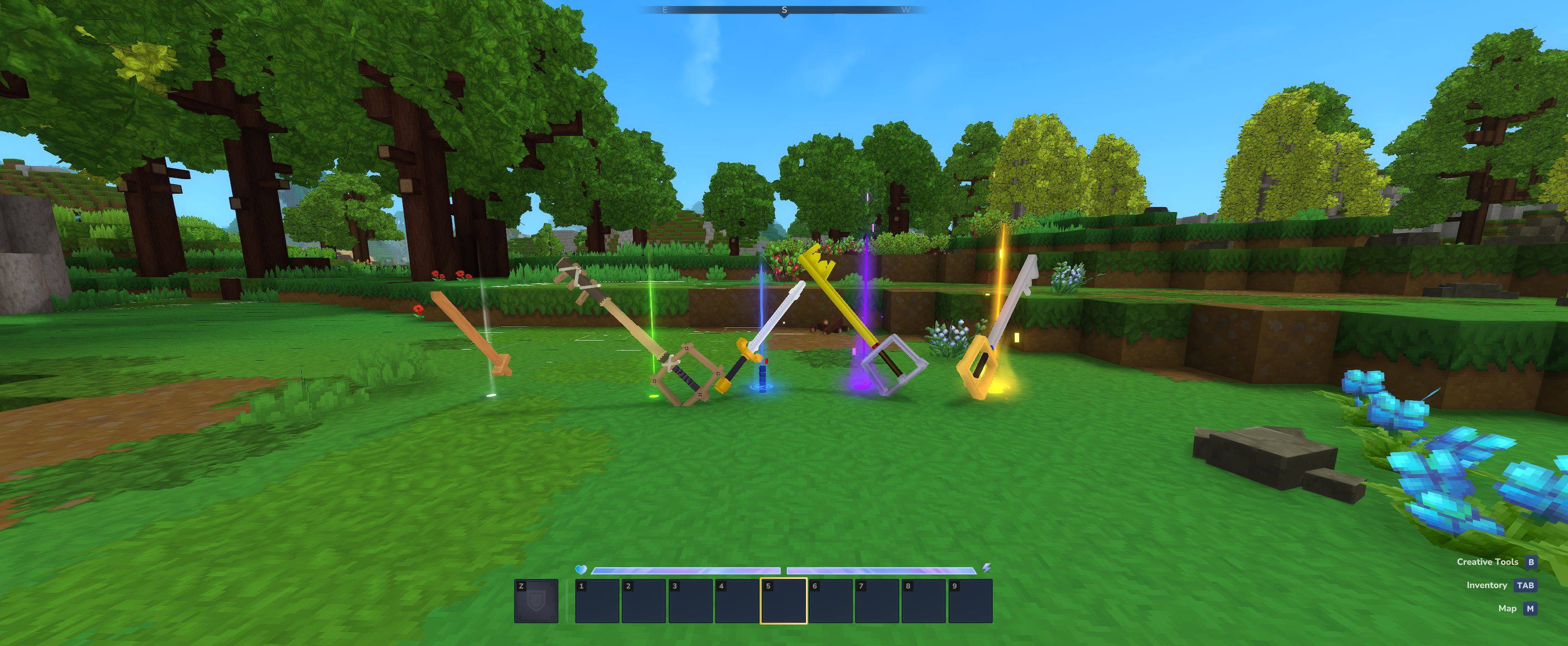
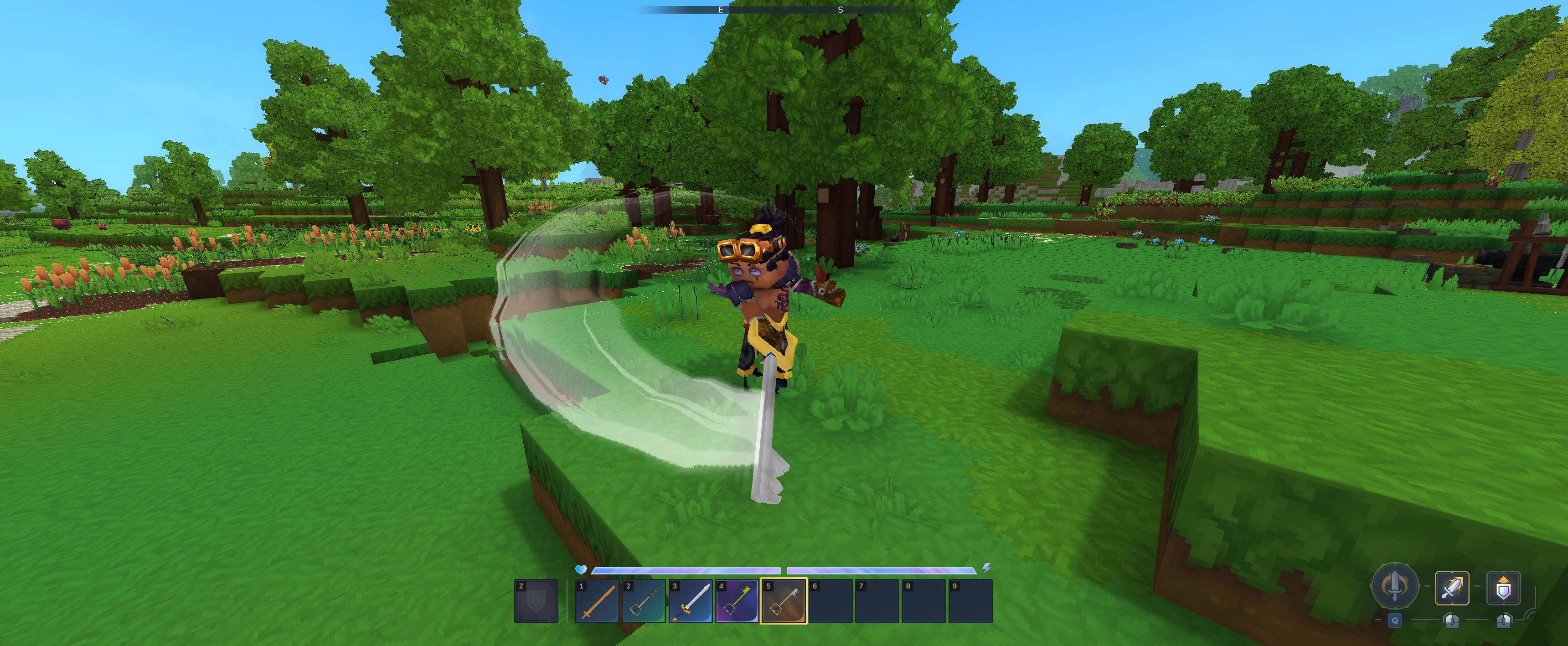
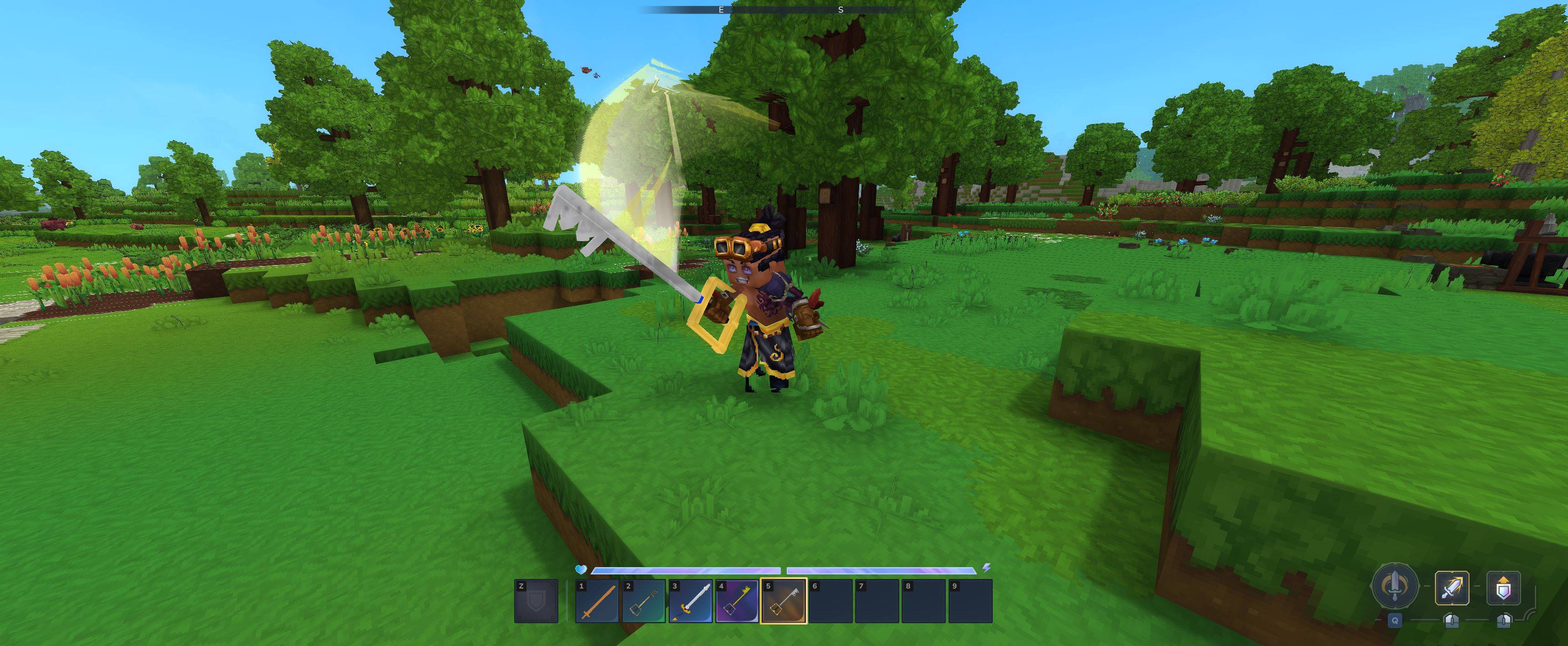
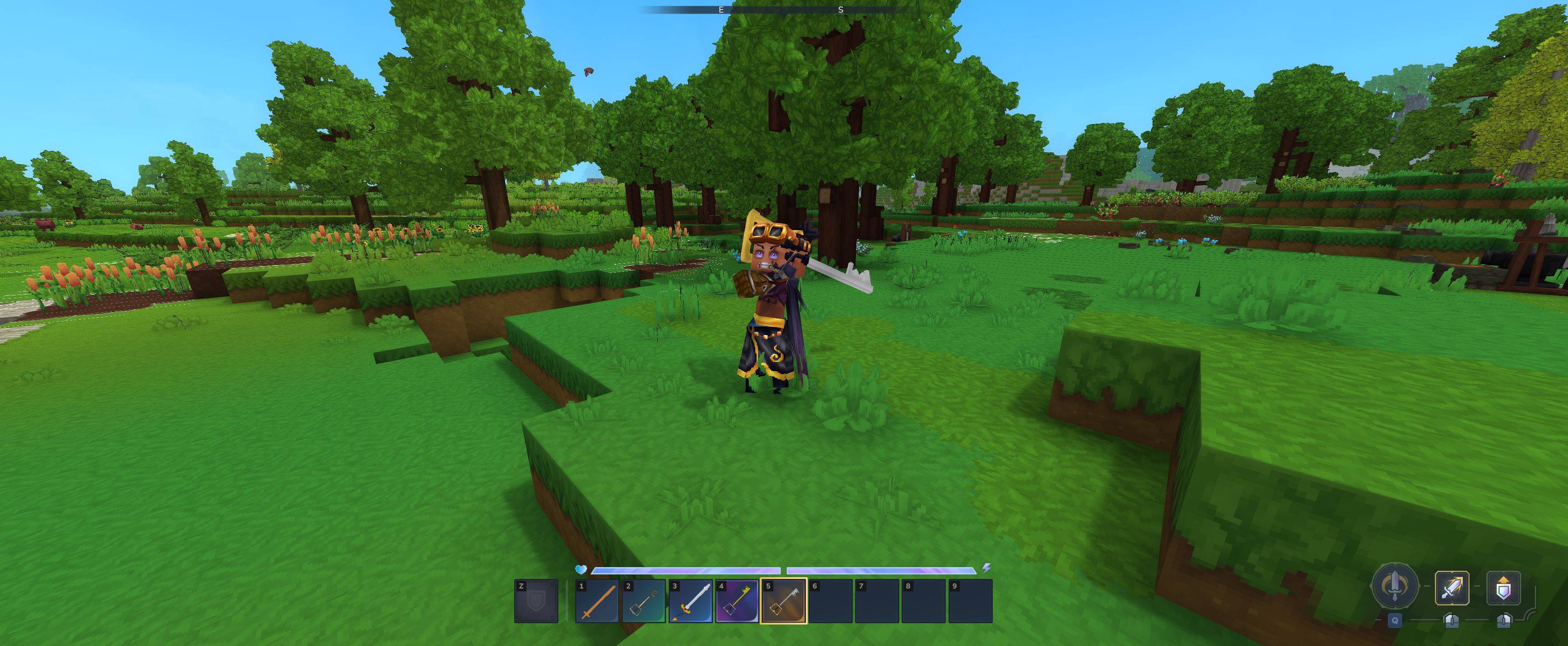
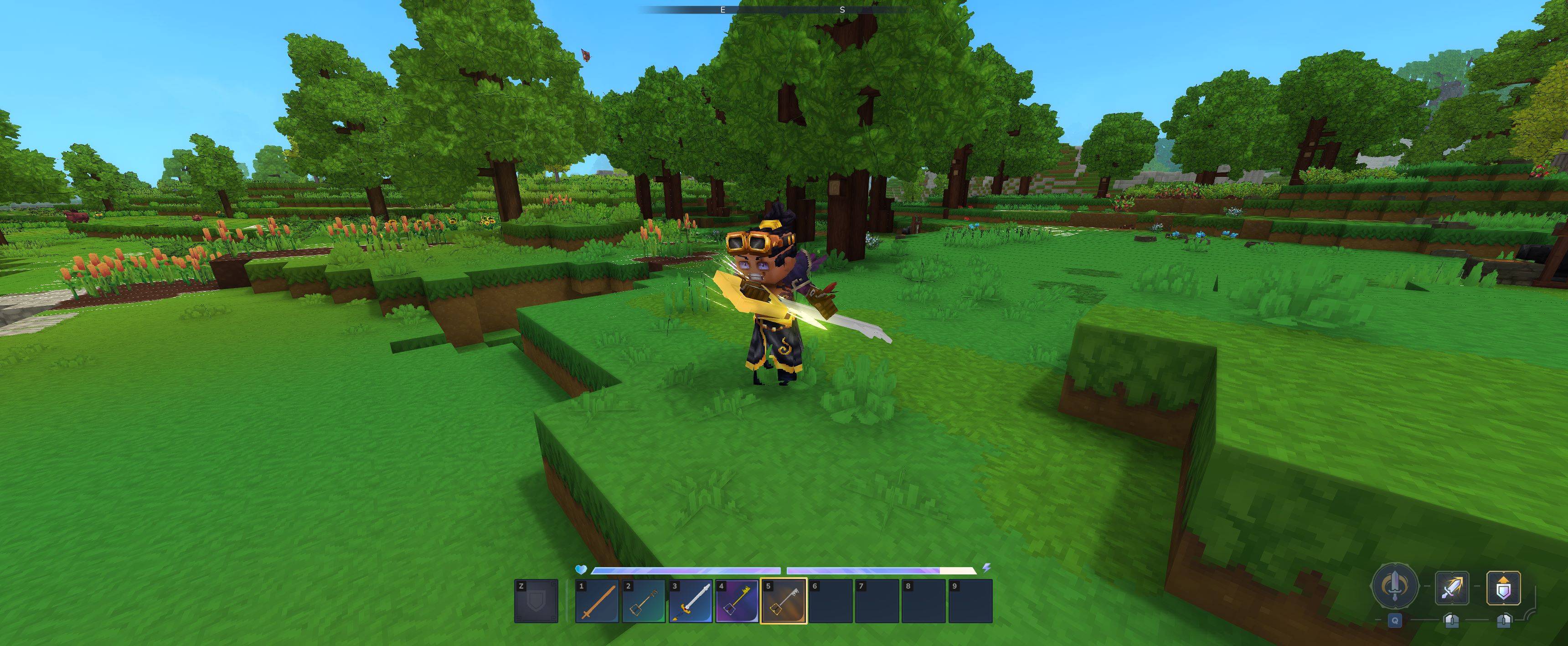
Managed to make an array of keyblades from kingdom hearts and figured Id share them with the world! 2 of the blades are made in the normal inventory, while the other 4 are made in the blacksmiths anvil! I tried to make sure the recipes were balanced based off of how powerful the keys are! Much more to come in the future!
Recently also added a few more keyblades for a proper progression! took me a long while to make but hopefully everyone likes them and are satisfied with the recipes! <3
P.S. the recipes need the weapons to be repaired before you can upgrade them to the next blade, you can use the key blade repair kit made in the workbench to repair them to their max durability, but only use them on the keyblades! ;)
Installation: Installing is easy and shouldnt take more than a couple minutes, theres 2 ways to install, through the worlds mod folder, or through the userdata mods folder, ill be going over both
For userdata folder:
Step 1: open your file explorer and go to C:\Users\(YOUR USERNAME)\AppData\Roaming\Hytale\UserData\Mods
Step 2: Extract the zip file into a seperate folder, then put that folder into the mods folder
Step 3: Open up hytale, go to worlds, either make a new world and click the gear icon to enable the mod in the mod section, or right click and existing world to open the settings of it to enable it in the mod section
Step 4: open the world, and the recipes are in The Moogle, craftable from your inventory! or if in creative the Blades will be in the sword section of the item spawning menu
For World folder:
Step 1: open your file explorer and go to C:\Users\(YOUR USERNAME)\AppData\Roaming\Hytale\UserData\Saves\(YOUR WORLD NAME)\Mods
Step 2: Extract the mods zip file into a seperate folder, then put that folder into the mods folder
Step 3: Open up hytale, go to worlds, and open up the world that you put the mod in, it should automically be enabled without any further need to do anything else!
if anybody has any issues dont be afraid to send me a private messege! or if you have any suggestions! i plan to make a proper progression for the keyblade, so look forward to that! ;)
KUPO!
DARKNESS!
Looks like my summer vacation is... over
Categories
Screenshots
Need a Server?
Run The Kingdoms Keys on a dedicated Hytale server with easy mod management.
Get Hytale HostingFrequently Asked Questions
What is The Kingdoms Keys?
The legendary keyblades from Kingdom Hearts
How do I download The Kingdoms Keys?
You can download The Kingdoms Keys for free from CurseForge. Click the "Download on CurseForge" button on this page to go directly to the download page.
Who created The Kingdoms Keys?
The Kingdoms Keys was created by Ritzer2001. The mod has been downloaded 2.6K times.
Is The Kingdoms Keys compatible with Hytale servers?
The Kingdoms Keys is designed for Hytale and can be used on both single-player and multiplayer servers. Check the mod page on CurseForge for specific compatibility information.
How do I install The Kingdoms Keys?
To install The Kingdoms Keys: 1) Download the mod from CurseForge, 2) Place the file in your Hytale mods folder, 3) Restart the game. The mod should load automatically.
Related Gameplay Mods
View all mods
Wan's Wonder Weapons
WanMine
A collection of unique weapons for Hytale, new "relics" blending elemental power, dark magic, and a touch of absurdity!

Perfect Parries
narwhals
Adds a souls-like/RPG combat mechanic where if you block at the instant where you are supposed to take damage, you don't lose stamina, deflect some damage, and stun the attacker. This mod includes a stamina system similar to that of souls/RPG games.

Spellbook
DarkhaxDev
Powering your favorite mods with clean, reusable helpers and utilities.

RPG Leveling And Stats/Skills
Zuxaw_dev
An RPG leveling plugin for Hytale that adds experience points, leveling, stat allocation, and character progression with a GUI, HUD, competitive leaderboard system, and full multi-language translation support.

Lucky Mining
Buuz135
Get more ores from mining, the more you mine in a row, the more ores you get.

MMO Skill Tree
ziggfreed
(Multiple Languages) MMO Skill Tree adds an RPG-style progression system where every action you take helps you grow stronger.