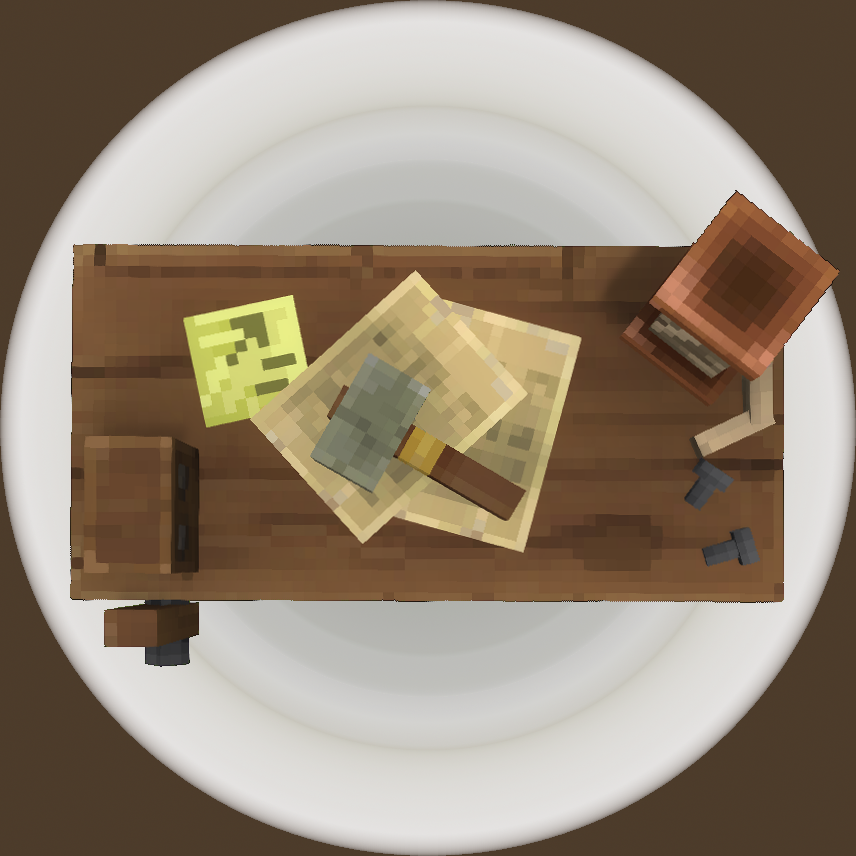
WorkbenchRepair
Changes the Workbench to automatically repair your gear when you interact with it. Because really. Shouldn't it?
About WorkbenchRepair
Description
Make your Workbench do double duty as a Repair Bench!
Does not work with T1 Workbenches BY DEFAULT. This can be changed (see below). This is the default to prevent too easy of a gameplay loop by just carrying a Workbench with you and deploying it wherever when you need to repair.
Repair EVERYTHING you're carrying! But WILL NOT restore durability lost to use of repair kits!
Works with all Workbench tiers!
Safe for use with mods that add properties to weapons!
Performant ECS-based solution! This is a CONFLICT FREE ZONE!
But it won't do your laundry. Unless "your laundry" is a broken boot.
When installed and enabled, causes the Workbench to automatically repair damaged gear in your inventory. Includes hotbar, inventory, equipment slots, and every other kind of storage ON YOUR CHARACTER. (Does not repair items in chests or any other storage.)
This plugin DOES NOT remove / readd items. This is important because in the future, mods or the official game developers might create functionality that adds RNG features to items like armor, weapons, and tools. In that case, this mod is friendly to and compatible with those features simply because it modifies item durability rather than removing and readding items.
Installation
A lightweight plugin. Just copy to Hytale\\\\UserData\\\\Mods and enjoy!
Configuration
The configuration file for this mod can be found in your server working directory at /mods/com.the7legions/WorkbenchRepairConfig.json. Edit this file to change the behavior of the mod.
{ "AllowT1Workbench": false, "Blacklist": [] } AllowT1Workbench specifies whether the T1 Workbench should repair items or not. Be aware that setting this to true will make the early game easier for players but will also make it so clever player can carry a Workbench to repair items in the field by placing the Workbench even in dangerous locations. This is set to false by default.
Blacklist lets you define a list of item IDs to be ignored by the mod. Add item IDs wrapped in quotes and separated with commas between the square brackets. Do not put a comma after the last item in the list. Example:
{ "AllowT1Workbench": false, "Blacklist": [ "Tool_Pickaxe_Mithril", "Tool_Pickaxe_Onyxium" ] } Addendum
In single player worlds, don't forget to enable the plugin on your map.
DOES NOT require a new save. You can freely add or remove this plugin from your server as you please. The only thing it will affect is whether the Workbench repairs your stuff or not.
Categories
Need a Server?
Run WorkbenchRepair on a dedicated Hytale server with easy mod management.
Get Hytale HostingFrequently Asked Questions
What is WorkbenchRepair?
Changes the Workbench to automatically repair your gear when you interact with it. Because really. Shouldn't it?
How do I download WorkbenchRepair?
You can download WorkbenchRepair for free from CurseForge. Click the "Download on CurseForge" button on this page to go directly to the download page.
Who created WorkbenchRepair?
WorkbenchRepair was created by Trenyc. The mod has been downloaded 435 times.
Is WorkbenchRepair compatible with Hytale servers?
WorkbenchRepair is designed for Hytale and can be used on both single-player and multiplayer servers. Check the mod page on CurseForge for specific compatibility information.
How do I install WorkbenchRepair?
To install WorkbenchRepair: 1) Download the mod from CurseForge, 2) Place the file in your Hytale mods folder, 3) Restart the game. The mod should load automatically.
Related Gameplay Mods
View all mods
Wan's Wonder Weapons
WanMine
A collection of unique weapons for Hytale, new "relics" blending elemental power, dark magic, and a touch of absurdity!

Perfect Parries
narwhals
Adds a souls-like/RPG combat mechanic where if you block at the instant where you are supposed to take damage, you don't lose stamina, deflect some damage, and stun the attacker. This mod includes a stamina system similar to that of souls/RPG games.

Spellbook
DarkhaxDev
Powering your favorite mods with clean, reusable helpers and utilities.

RPG Leveling And Stats/Skills
Zuxaw_dev
An RPG leveling plugin for Hytale that adds experience points, leveling, stat allocation, and character progression with a GUI, HUD, competitive leaderboard system, and full multi-language translation support.

Lucky Mining
Buuz135
Get more ores from mining, the more you mine in a row, the more ores you get.

MMO Skill Tree
ziggfreed
(Multiple Languages) MMO Skill Tree adds an RPG-style progression system where every action you take helps you grow stronger.